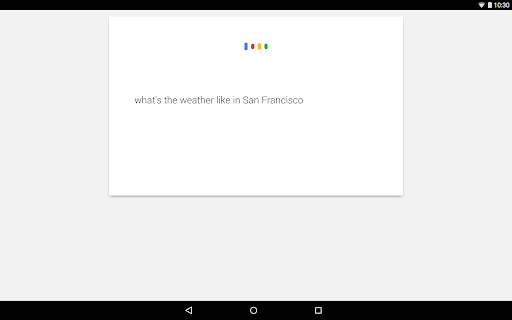
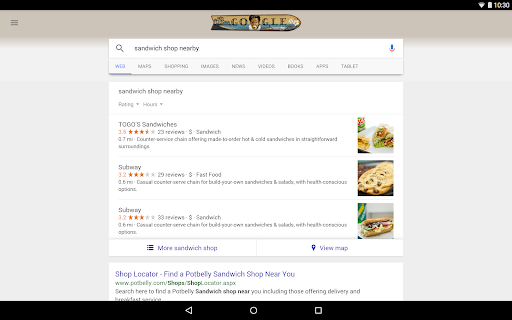
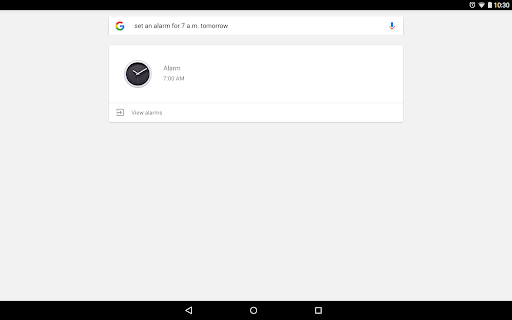
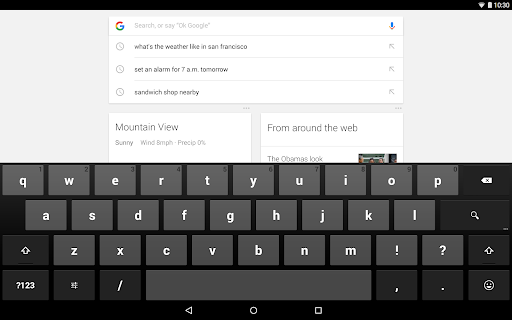
The Google app represents a cornerstone in the suite of digital tools provided by the tech giant Google. Available for both Android and iOS devices, this freely available app serves as a comprehensive digital assistant. It provides users with smarter and more personalized ways to search for information, stay updated on news, and perform various actions seamlessly. Users can explore the full potential of Google's search capabilities by downloading the Google app or installing the Google apk directly onto their devices. Once users have installed Google on their smartphone, they can instantly log in to their Google account to access a multitude of dynamic features designed to simplify daily tasks. Beyond being just a search engine, the app leverages cutting-edge AI and machine learning technologies to enhance user interaction, offering more than traditional search results by enabling insights, personalized news feeds, and innovative tools like Google Lens.
The app is ingeniously designed to integrate seamlessly with devices, functioning to meet both personal and professional needs. Whether it’s through a quick Google download from the Play Store or Apple App Store, installation is simple and efficient, extending Google's capabilities beyond the confines of a web browser. As users engage with the app, they discover convenient features that not only save time but enhance the overall search experience by introducing interactive methods to find, learn, and explore.
1. **Google Lens**: Perhaps one of the most innovative features of the Google app is Google Lens, which allows users to conduct a search based on visual inputs rather than just text. This means that users can utilize their device camera to identify plants, animals, and objects, explore similar products, or even translate text in over 100 languages. Moreover, the Google Lens feature provides step-by-step solutions for homework and educational inquiries, tools that are indispensable for students and educators alike.
2. **Hum to Search**: Another thrilling feature is the ability to hum a tune to search for songs. If users have ever experienced the frustration of having a tune stuck in their head but no idea about its name, they can simply hum it into the app, and Google will identify it. This feature showcases the creative use of AI and audio recognition in the Google app, offering a unique advantage over traditional search methods.
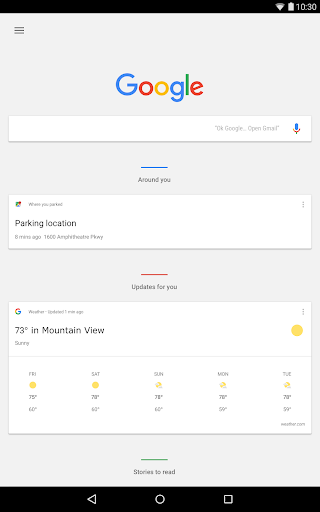
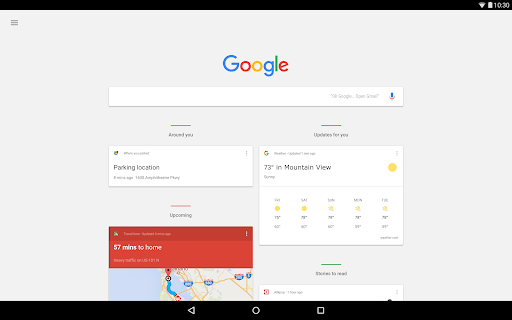
3. **Discover**: Personalized content is the star of the Discover feature. Google download and install ensures that users receive up-to-date news, articles, and video content tailored to their interests. Whether you’re interested in the latest sports news, entertainment events, or scientific breakthroughs, the app filters through a sea of content to deliver what matters most to you.
4. **AI Overviews**: For those who seek quick, comprehensive information, AI Overviews offer users a snapshot of insights pulled from the web. This feature condenses complex information into an easily digestible format while providing links to further explore relevant topics. This innovation not only saves time but also aids in understanding complex topics swiftly.
5. **Google Search Widget**: Another practical feature is the Google Search Widget. Once you install Google on your device, this widget allows you to perform searches directly from your home screen, making accessing information speedier and more convenient than ever before. It's the epitome of Google's commitment to rapid accessibility and user convenience.
1. **Versatile Search Options**: The Google app stands out in the market due to its versatile search functions that transcend basic text entry. Users can employ voice, image, or even song hummings as search inputs. This multifaceted approach makes the app significantly more flexible and comprehensive compared to other search engines or assistants, making it a worthwhile Google download for anyone seeking efficiency.
2. **Personalization and Insights**: The app’s ability to tailor content to individual interests ensures users receive relevant updates and insights without having to sift through unnecessary information. By engaging with the Google installation process and logging into their Google account, users unlock a reservoir of news and insights driven by advanced algorithms fine-tuned to their preferences.
3. **Secure Searching**: A paramount concern for browsers today is security, and the Google app excels here by encrypting the connection between user devices and Google servers. This ensures a secure search environment, filtering out web spam to provide a safer, high-quality user experience, an advantage that gives it an edge in comparison to other apps available on both Android and iOS platforms.
1. **Utilize Google Lens for Everyday Solutions**: A valuable tip for users is to maximize the potential of Google Lens. Whether identifying a plant, translating signage while traveling, or doing reverse image searches to find the source of a photo, users can use the camera function to gain quick, actionable insights.
2. **Configure Discover for Optimized Content Delivery**: To enhance the personalized experience, users should frequently interact with the Discover feature by selecting topics of interest and dismissing those that aren't. This way, the app learns and adapts better, tailoring content that is more likely to engage the user.
3. **Setup the Google Search Widget on Your Home Screen**: For faster access to information, installing the Google Search Widget is a must. It eliminates the need to launch the entire app first, providing a rapid avenue for searches directly from the device’s home screen.
4. **Engage with AI Overviews for Efficient Exploration**: Train yourself to use AI Overviews for complex searches. These overviews provide boiled-down insights over wide topics, handily compressing your research time and helping you comprehend intricate subjects more swiftly.
5. **Secure Your Searches with Built-In Privacy Controls**: Users should frequently review the app's privacy settings to maintain control over their search histories. Access these settings by tapping on the user profile icon, where historical data and privacy settings can be manipulated to suit individual safety preferences.
According to user feedback, the Google app has garnered appreciation for its intuitive and responsive design on both Android and iOS. Users repeatedly highlight the convenience of the app’s features, particularly Google Lens, which many find indispensable in daily scenarios such as shopping, traveling, or solving academic queries. The AI Overviews feature receives commendations for drastically improving search efficiency and intellectual exploration, saving users significant time by synthesizing information succinctly.
However, some users have asked for further enhancements in voice recognition capabilities and the Discover feature’s content accuracy, although overall satisfaction remains high due to the app's adaptability to a diverse range of user needs. Frequent updates and the robust security protocols enhancing privacy and data protection receive accolades, assuring users of secure interactions absent from many other applications. As a primary interface to Google’s vast search infrastructure, the app's seamless integration into both Android and iOS ecosystems aligns well with user expectations, confirming that the decision to download Google or install the Google apk is met with high approval from its active global user base.